A native desktop
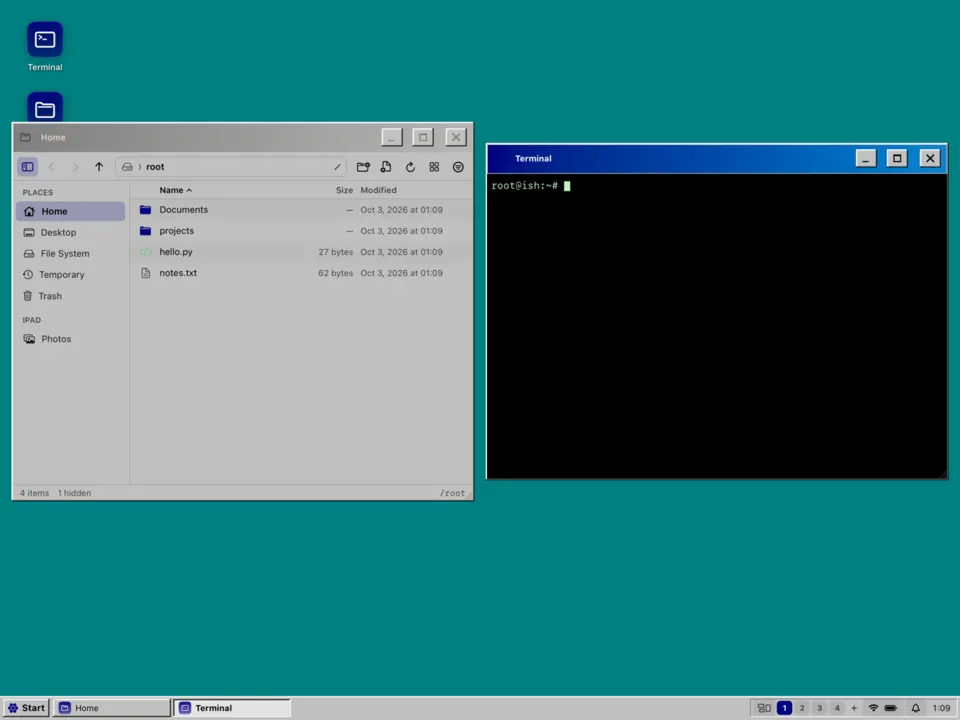
Windows you move, resize from any edge, snap, minimise and pin on top. Workspaces, an overview, a window switcher, a notification centre and a lock screen. Written in SwiftUI, so it feels like an iPad app, because it is one.
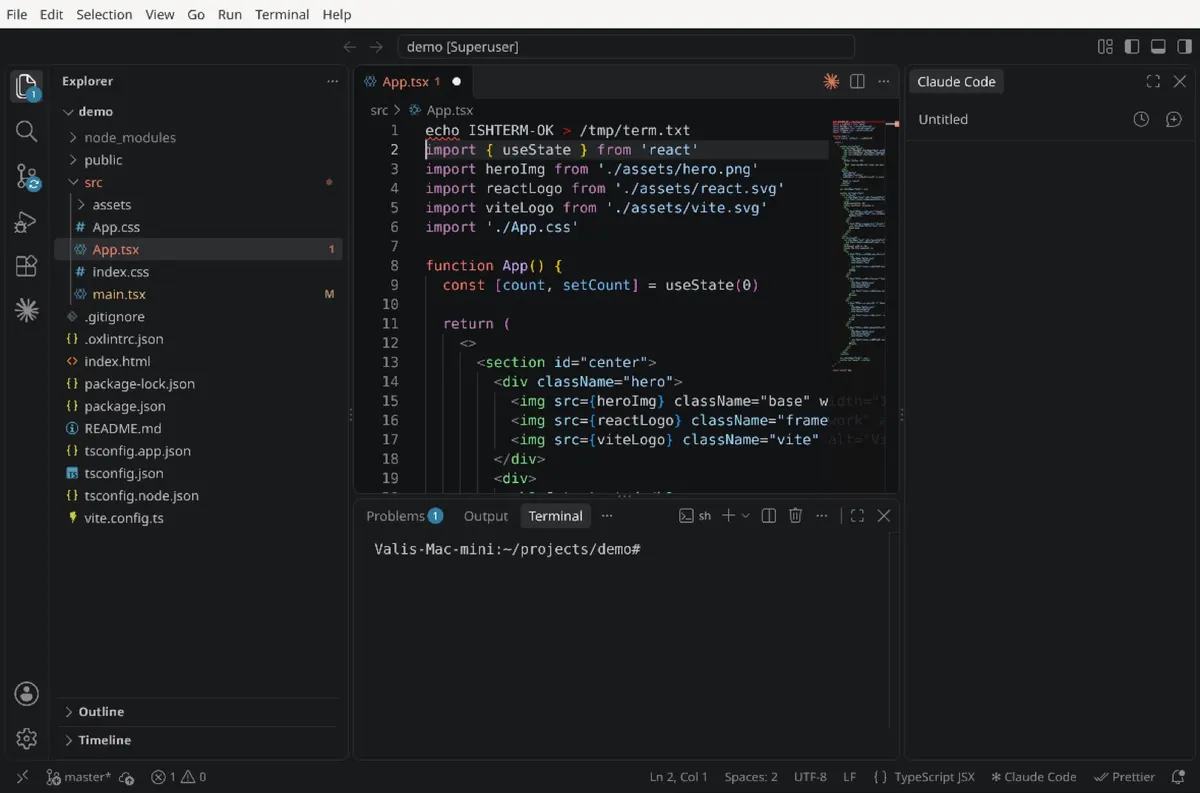
Firefox, VS Code, a tiling window manager and the whole Alpine Linux package archive, running on the iPad itself. No VM. No jailbreak. One app.
The first public build is being prepared. Screenshots are from development builds in the iPad simulator.
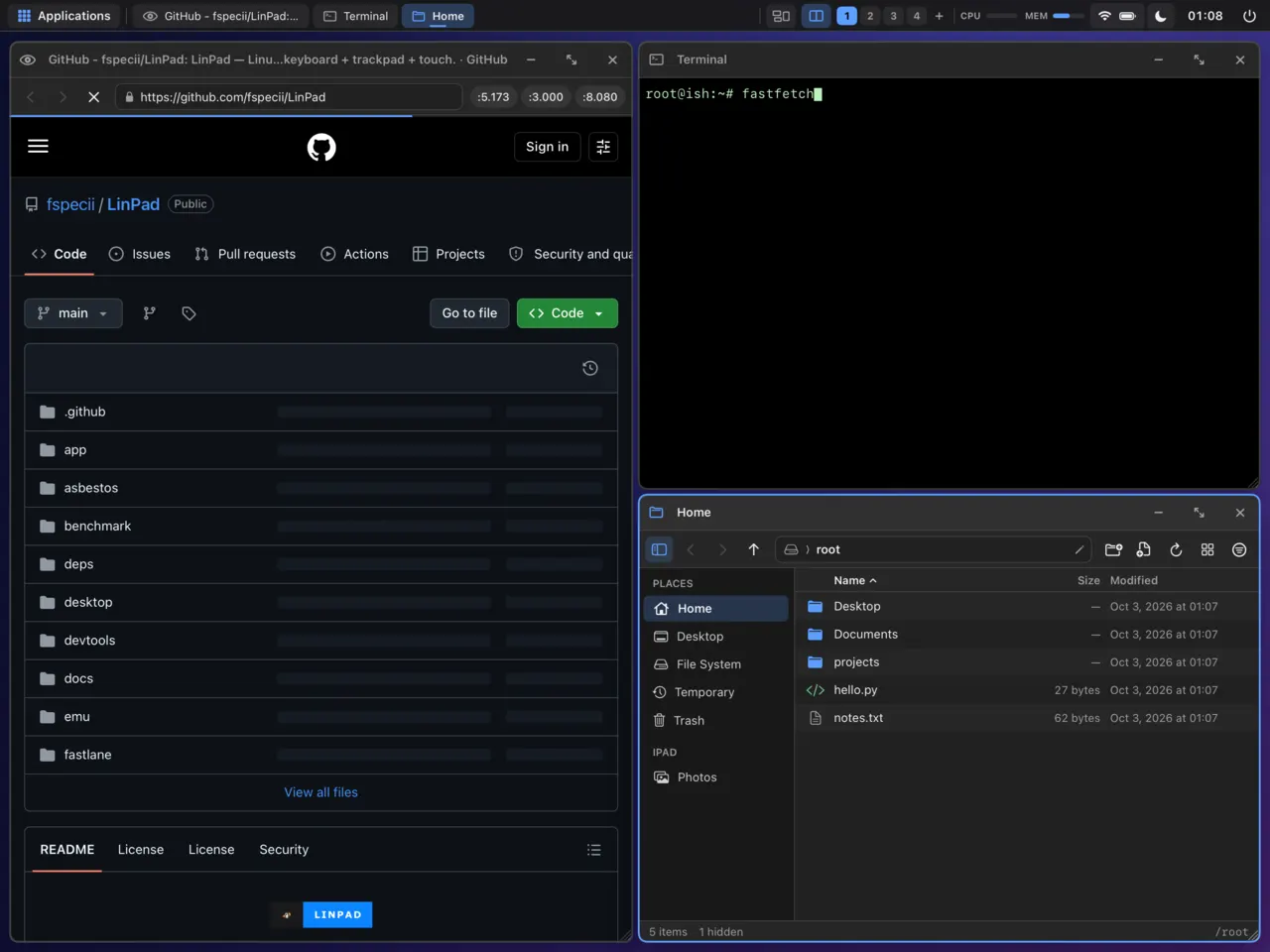
LinPad is a single iPad app. It runs real ARM64 Linux binaries by translating their system calls to iPadOS, and it shows their windows as native windows next to its own.
A fork of iSH and iSH-ARM64 runs unmodified aarch64 programs and implements the Linux kernel interface they expect: processes, signals, sockets, futexes, memfd, inotify, netlink.
ishwl is a small Wayland compositor inside Linux. Each window's pixels are shared through memory-mapped files and handed to the native desktop, which sends input, text and clipboard back.
DesktopKit is a SwiftUI shell with one window manager for native apps and Linux windows: tiling, workspaces, overview, themes and the command menu.
A virtio-gpu device feeds virglrenderer's Venus renderer, which runs on MoltenVK and Metal. Firefox still renders in software.
An M-series iPad with a keyboard and trackpad is a laptop in everything but software. LinPad fills that gap.
Windows you move, resize from any edge, snap, minimise and pin on top. Workspaces, an overview, a window switcher, a notification centre and a lock screen. Written in SwiftUI, so it feels like an iPad app, because it is one.
Master-stack, columns, grid and monocle layouts, on or off per workspace. Float any window. Gaps, borders and rounding per theme, or turn them all off with one chord.
One fuzzy menu for windows, apps, commands, toggles, themes and looks, plus repair and reset. ⌘/ shows every shortcut. Desktop chords live on ⌃⌥ so ⌘ stays with your apps.
20 colour palettes from the Omarchy community plus era looks. A theme recolours the shell, the terminal, btop, GTK and Qt apps, VS Code and Firefox together.
Firefox, Visual Studio Code (Microsoft's build, downloaded on your iPad when you ask for it), Thunar, Mousepad, VLC and GIMP. Unmodified aarch64 Alpine Linux binaries with the full apk archive behind them.
The base system stays lean. Mail, PDF, office, image tools, media, extra browsers and developer toolchains are packs you tick in Settings › Apps.
Hands off to StikDebug at launch and comes back with a native ARM64 JIT. About 4.8× faster than the interpreter in our Mac benchmarks; iPad numbers will be published once measured.
Linux Vulkan through Mesa Venus, a virtio-gpu device, virglrenderer and MoltenVK onto Metal. OpenGL through zink tops out at GL 2.1 today.
ARM64 Windows programs like Notepad++, 7-Zip and PuTTY run in Wine 10. x86 programs work through Box64, slowly and with a big memory cost. Not for games.
Clipboard and drag and drop both ways, iPad folders mounted into Linux, Quick Look on Space, text input for every language including CJK composition, and Linux audio through iOS.
App updates through your sideloader. Linux system updates download in the background, are SHA-256 verified and keep /root and /home. Repair re-applies LinPad's files when a package upgrade breaks something.
Screenshots of the screen, an area or a window, and screen recording, all from the keyboard. Share a theme or a whole look as a linpad:// link.
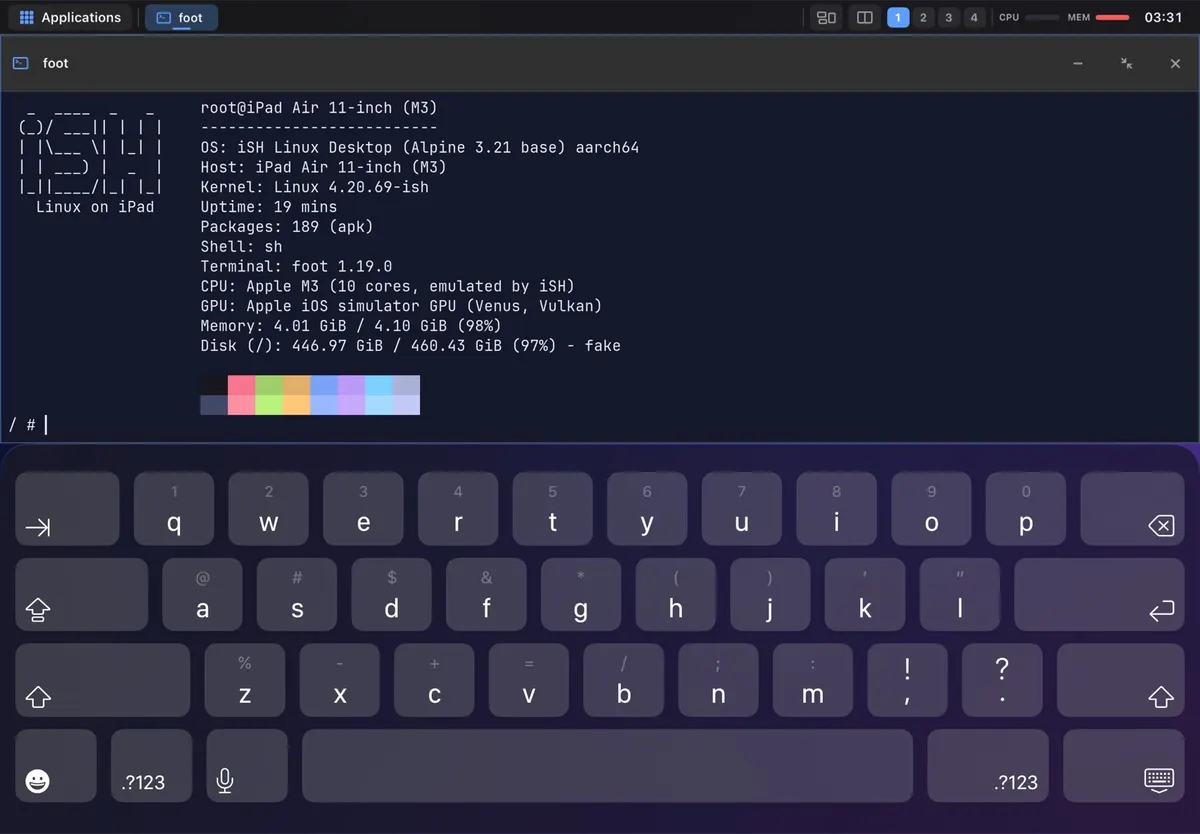
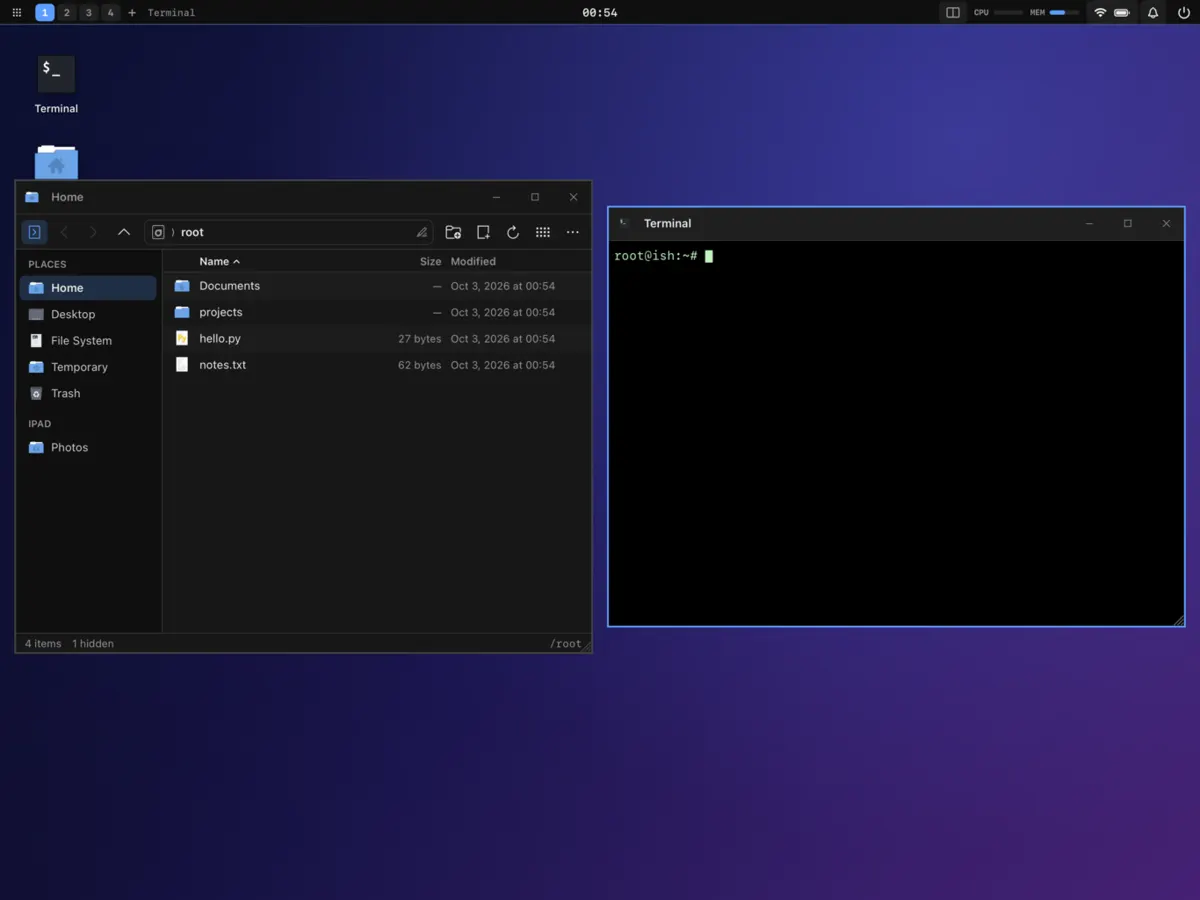
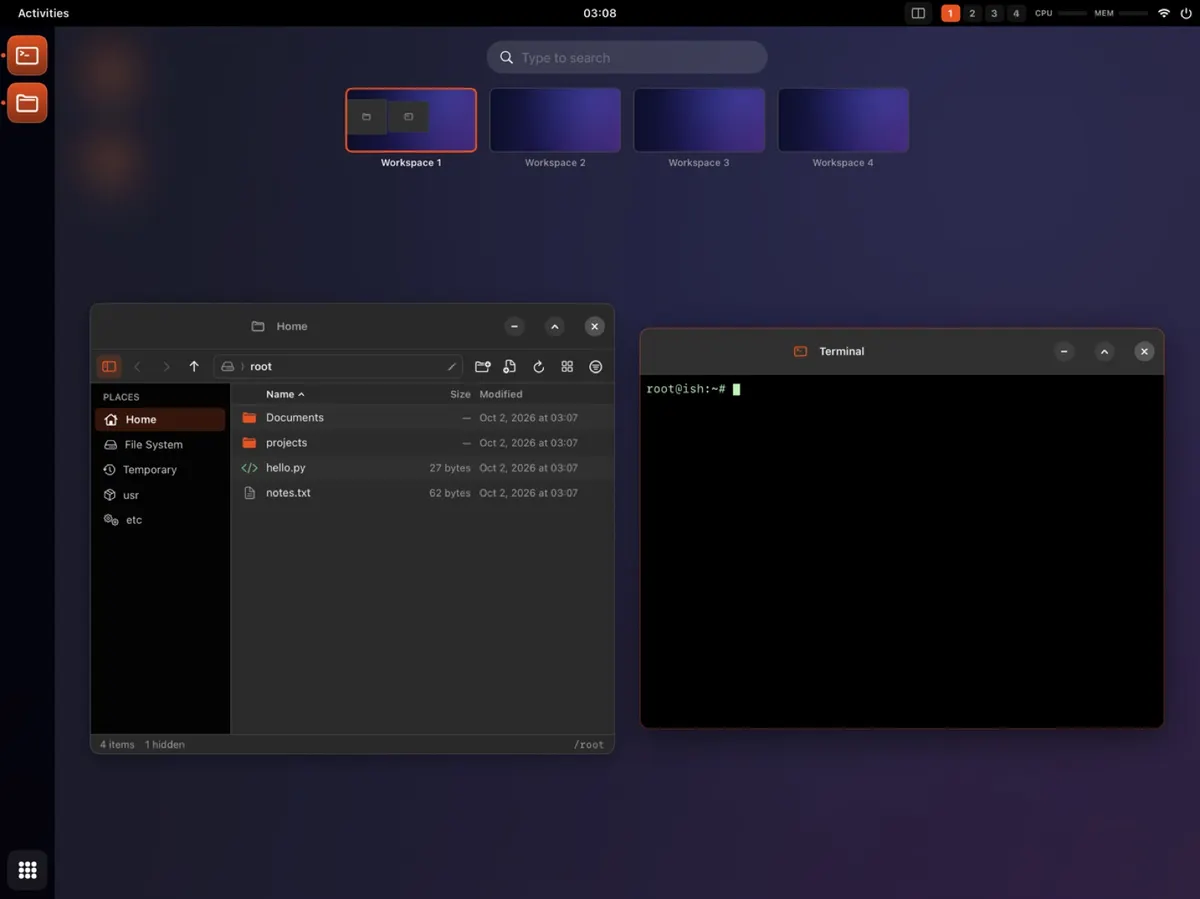
Colour palettes compatible with Omarchy community themes, retro era looks with matching Linux app themes, icon packs, wallpapers and 14 desktop layouts. Mix them, then share the result as a link.
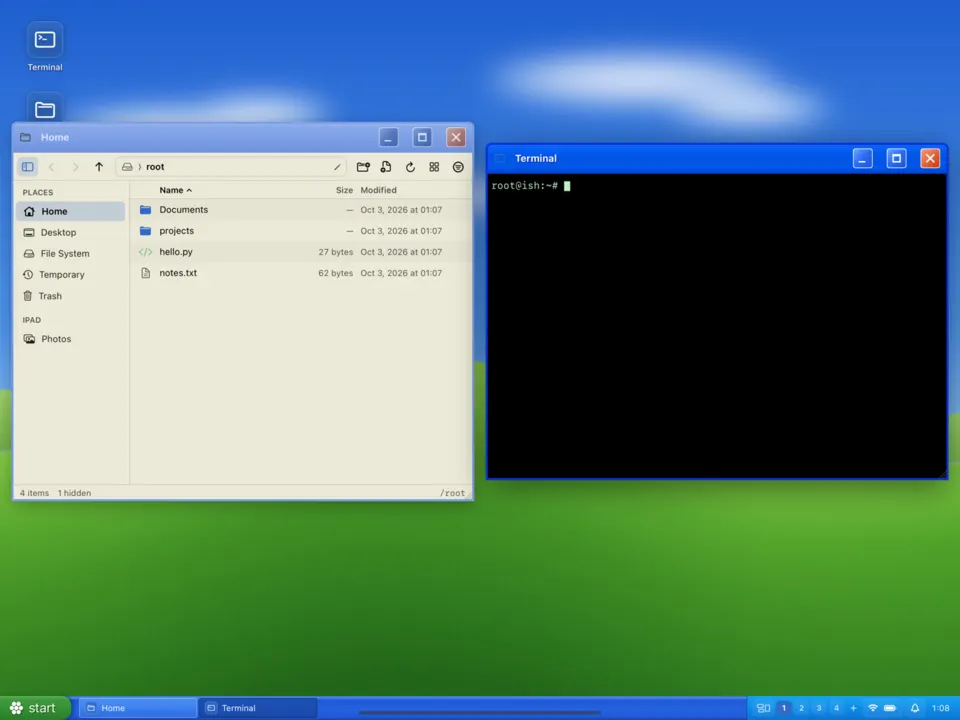
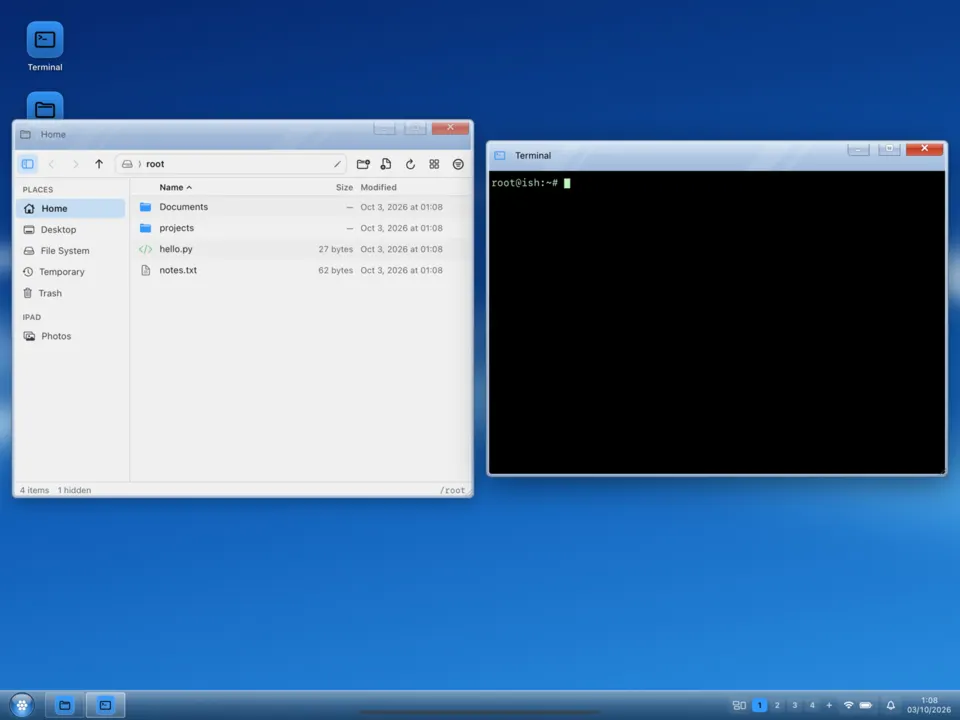
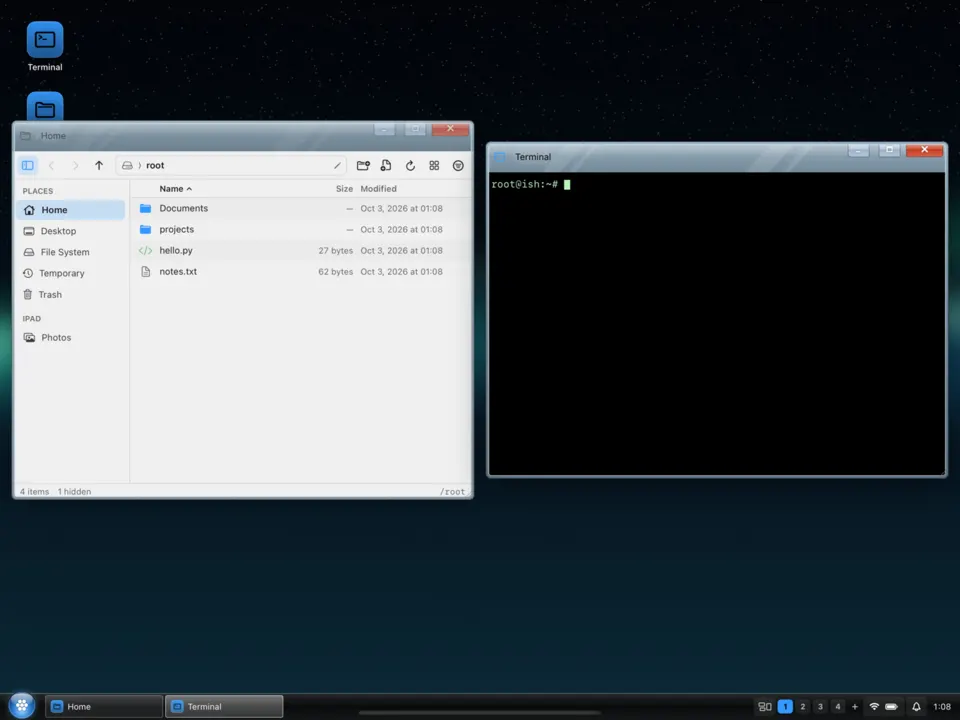
Add the LinPad source to SideStore or AltStore, or download the IPA from GitHub Releases.
LinPad unpacks its Linux system on first launch and walks you through a short setup.
Set up StikDebug and LocalDevVPN once for the native JIT.
LinPad is a full-time project. It needs testers with iPads, people who know emulators, Wayland or SwiftUI, theme makers, and sponsors who want it to exist.
Good first issues are labelled, most work does not need an iPad, and themes are the easiest way in.
Sponsorships pay for test iPads, the Apple developer account and the time to keep shipping.