Press kit
Descriptions, facts, a logo and screenshots you may use when writing about LinPad.
In one sentence
LinPad is a free, open-source app that runs a real Linux desktop on M-series iPads, with Firefox, VS Code and tiling windows, without a VM or a jailbreak.
In one paragraph
LinPad turns an M-series iPad into a Linux workstation. It runs unmodified ARM64 Alpine Linux programs inside a single iPad app by translating their system calls to iPadOS, building on the open-source iSH project. Linux apps such as Firefox, Visual Studio Code, Thunar and VLC appear as native windows in a SwiftUI desktop with tiling, workspaces, a command menu and themes compatible with Omarchy's community palettes. An optional native ARM64 JIT, enabled through StikDebug, makes it several times faster, and an experimental GPU path maps Linux Vulkan onto Metal. LinPad is sideloaded rather than distributed through the App Store, is licensed under the GPLv3, and is developed by Vali, a London-based developer.
Facts
| Name | LinPad (subtitle: Linux for iPad) |
|---|---|
| Status | Pre-release; first public version in preparation |
| Platform | iPadOS 17+, iPads with M1 or newer |
| Distribution | Sideloaded (SideStore, AltStore, IPA). Not on the App Store. |
| Licence | GNU GPLv3 |
| Based on | iSH and iSH-ARM64 |
| Linux | Alpine Linux 3.21, aarch64 |
| Source | github.com/fspecii/LinPad |
| Website | linpados.com |
| Developer | Vali, London (@AmbsdOP, YouTube) |
Performance figures published so far were measured on a Mac or in the iPad simulator. Please do not quote them as iPad results; device measurements will be added here.
Logo

Please do not combine the logo with Apple, Linux (Tux) or other companies' marks.
Screenshots
- linpad-hero.jpg
- linpad-firefox.jpg
- linpad-vscode.jpg
- linpad-fastfetch.jpg
- linpad-tiler.jpg
- linpad-theme-app.jpg
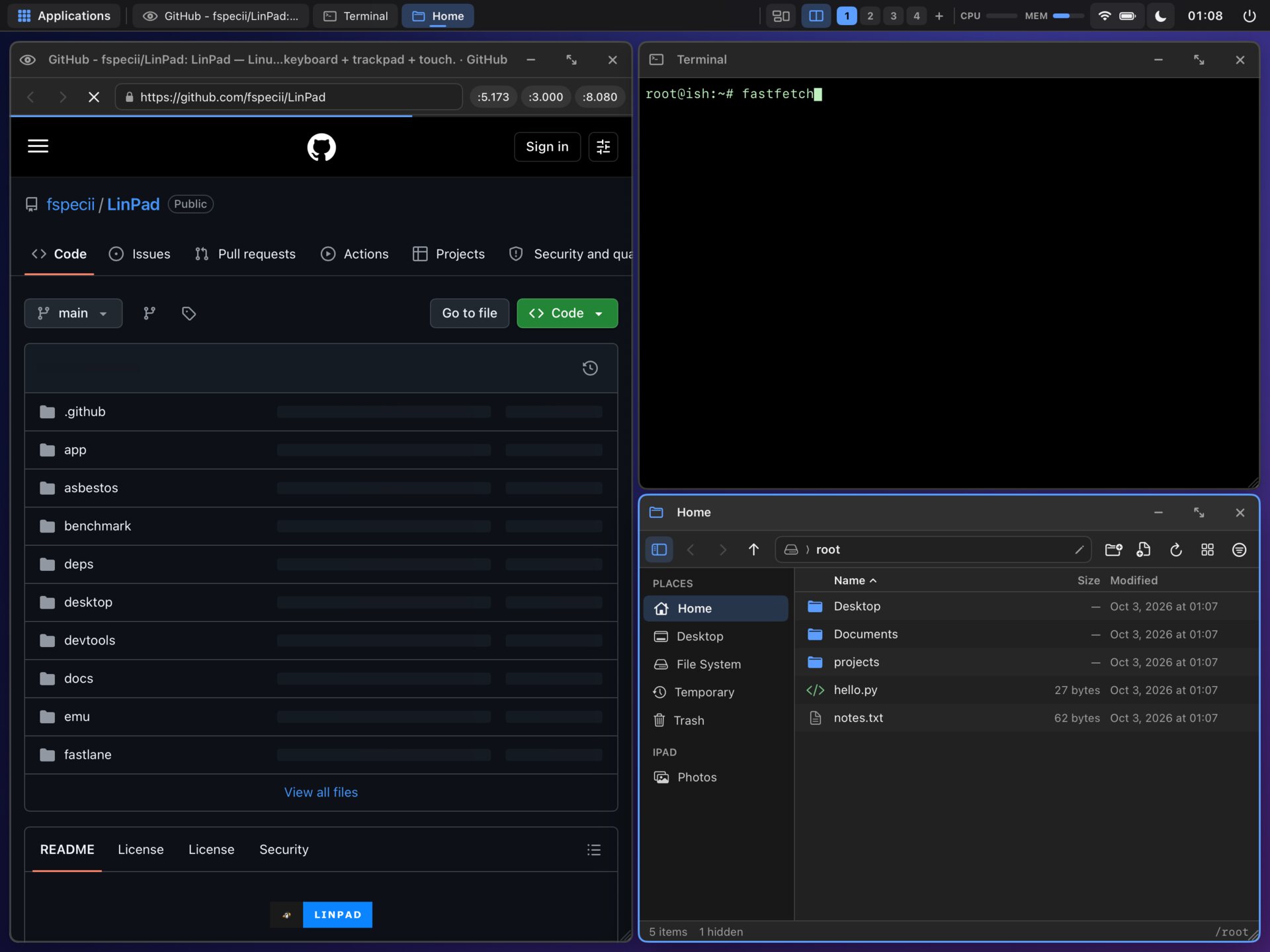
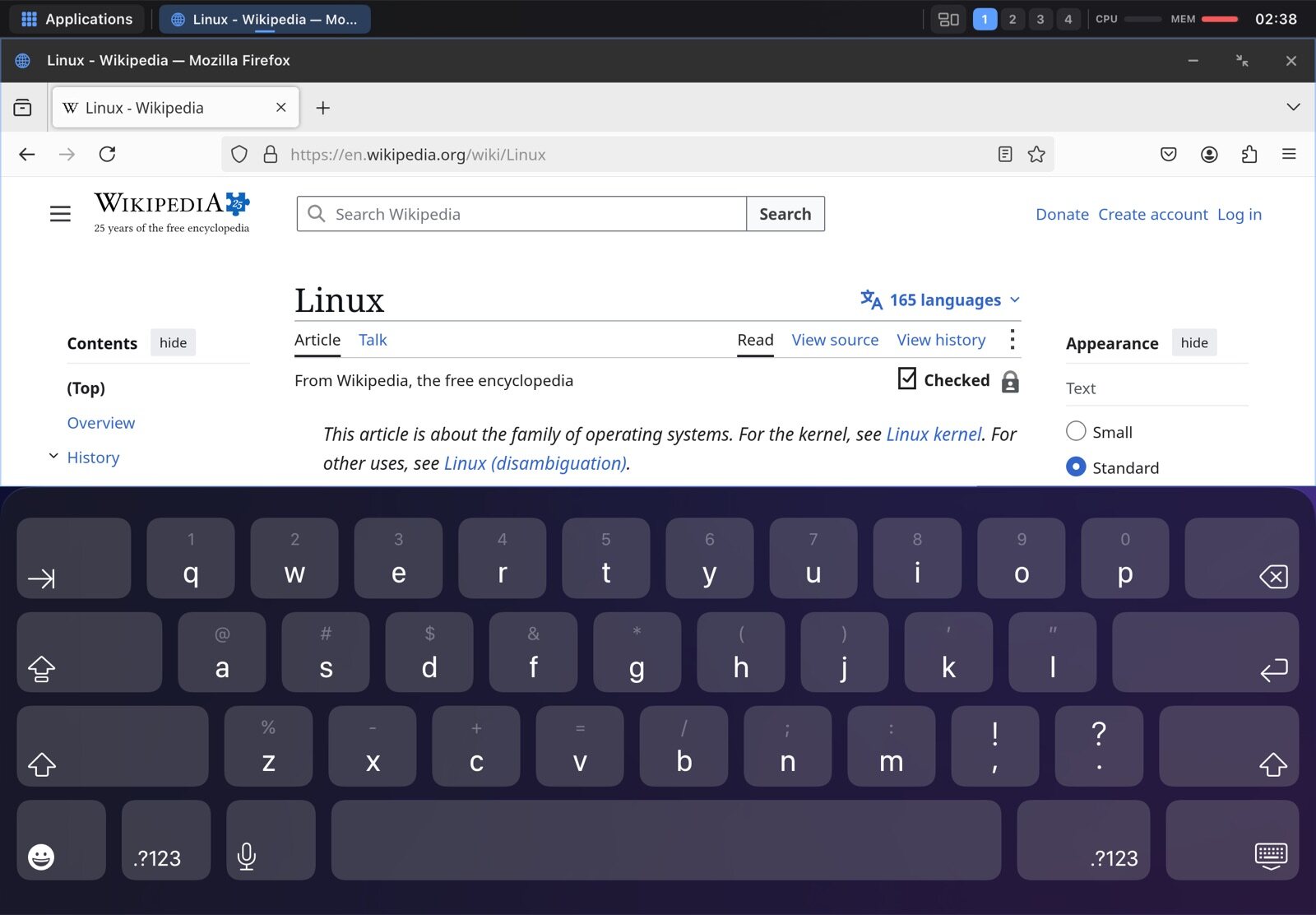
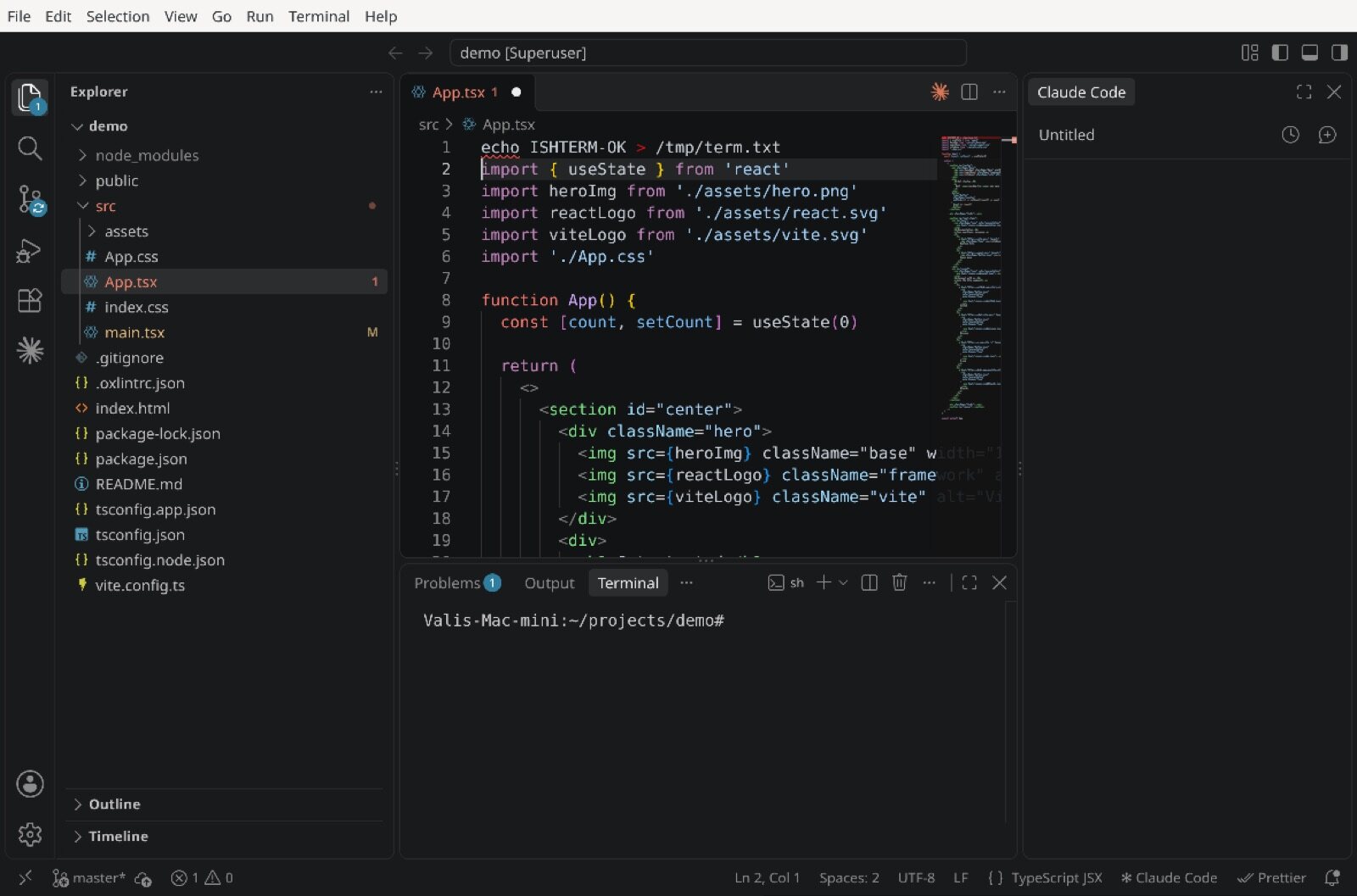
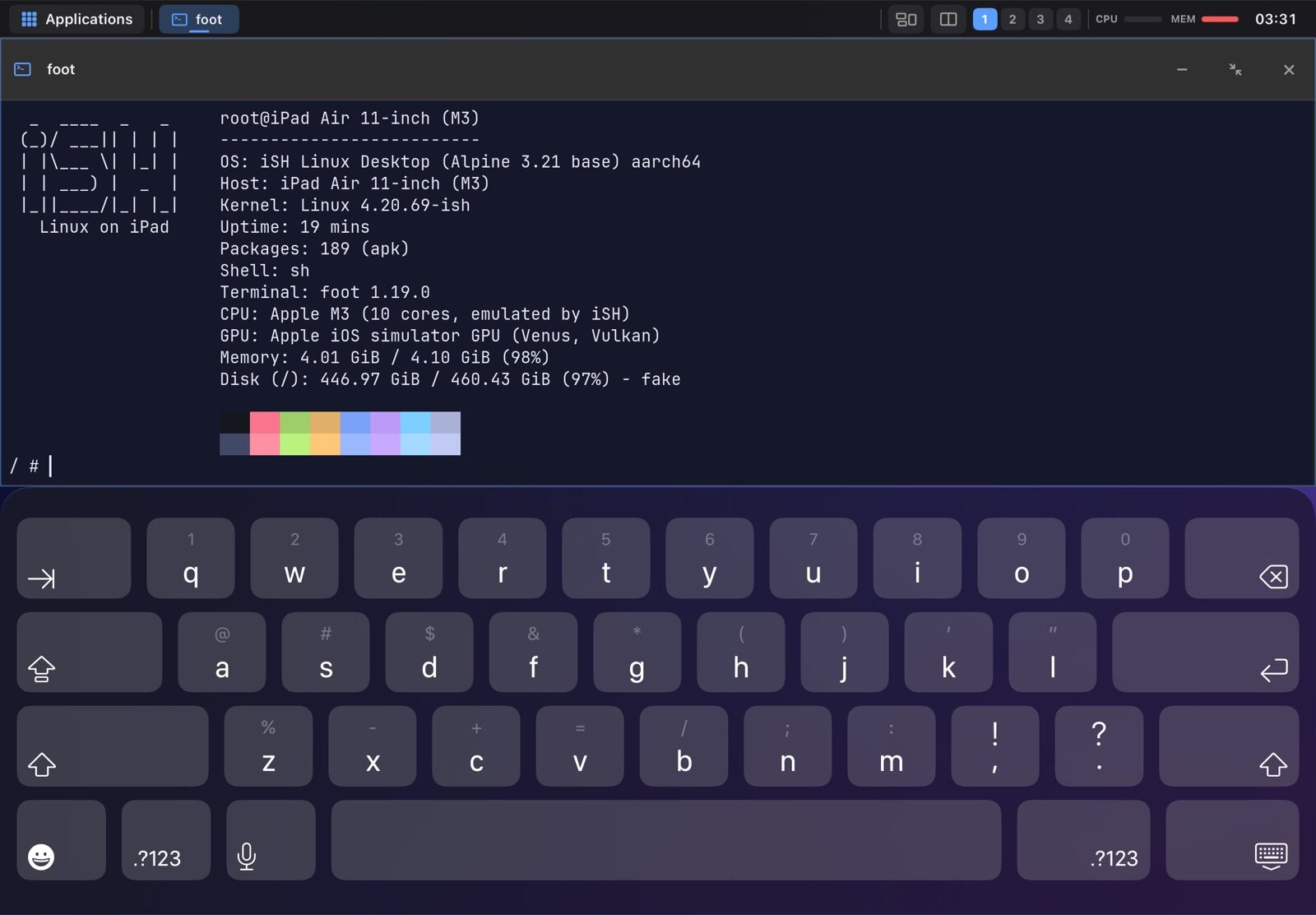
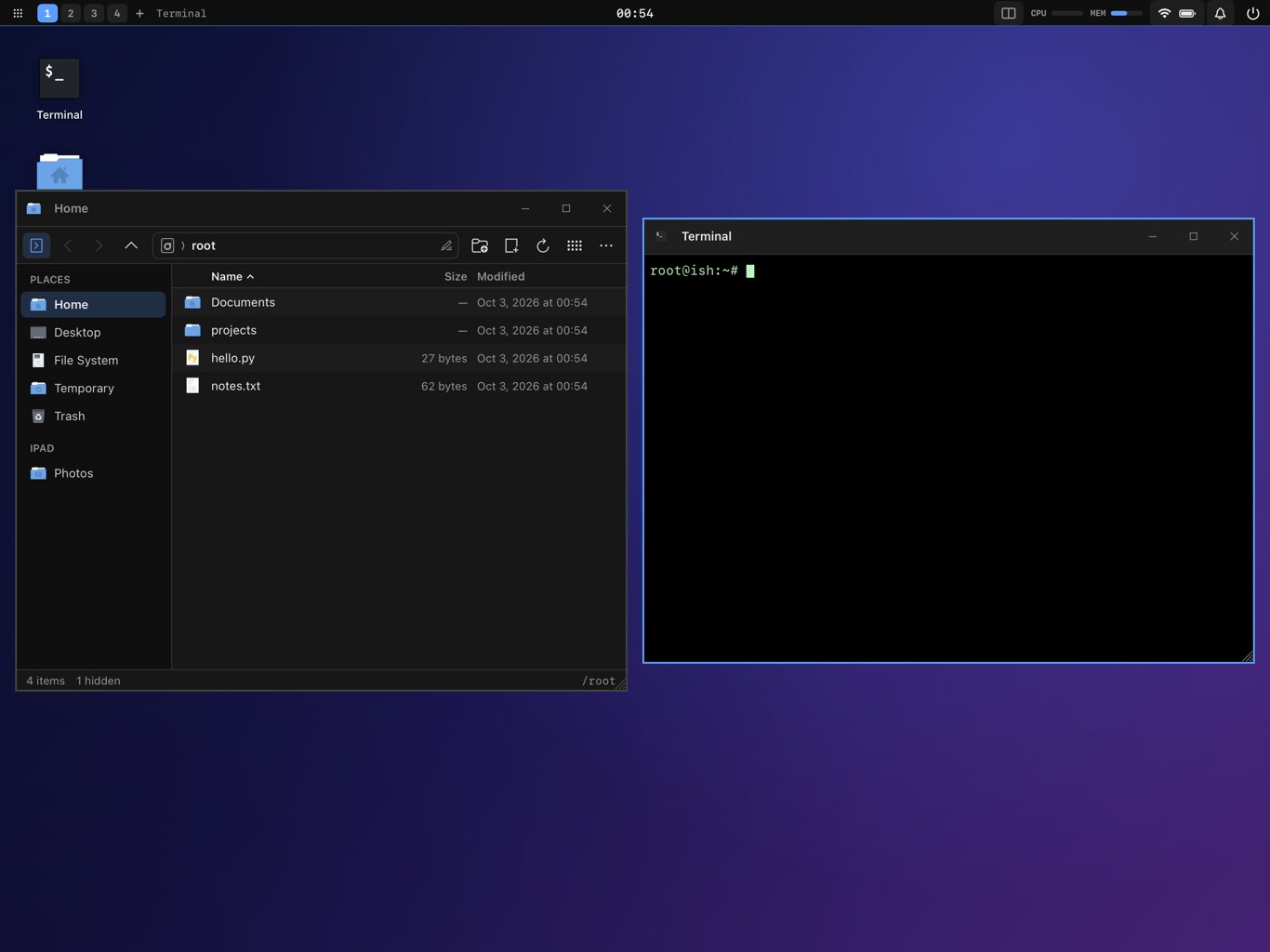
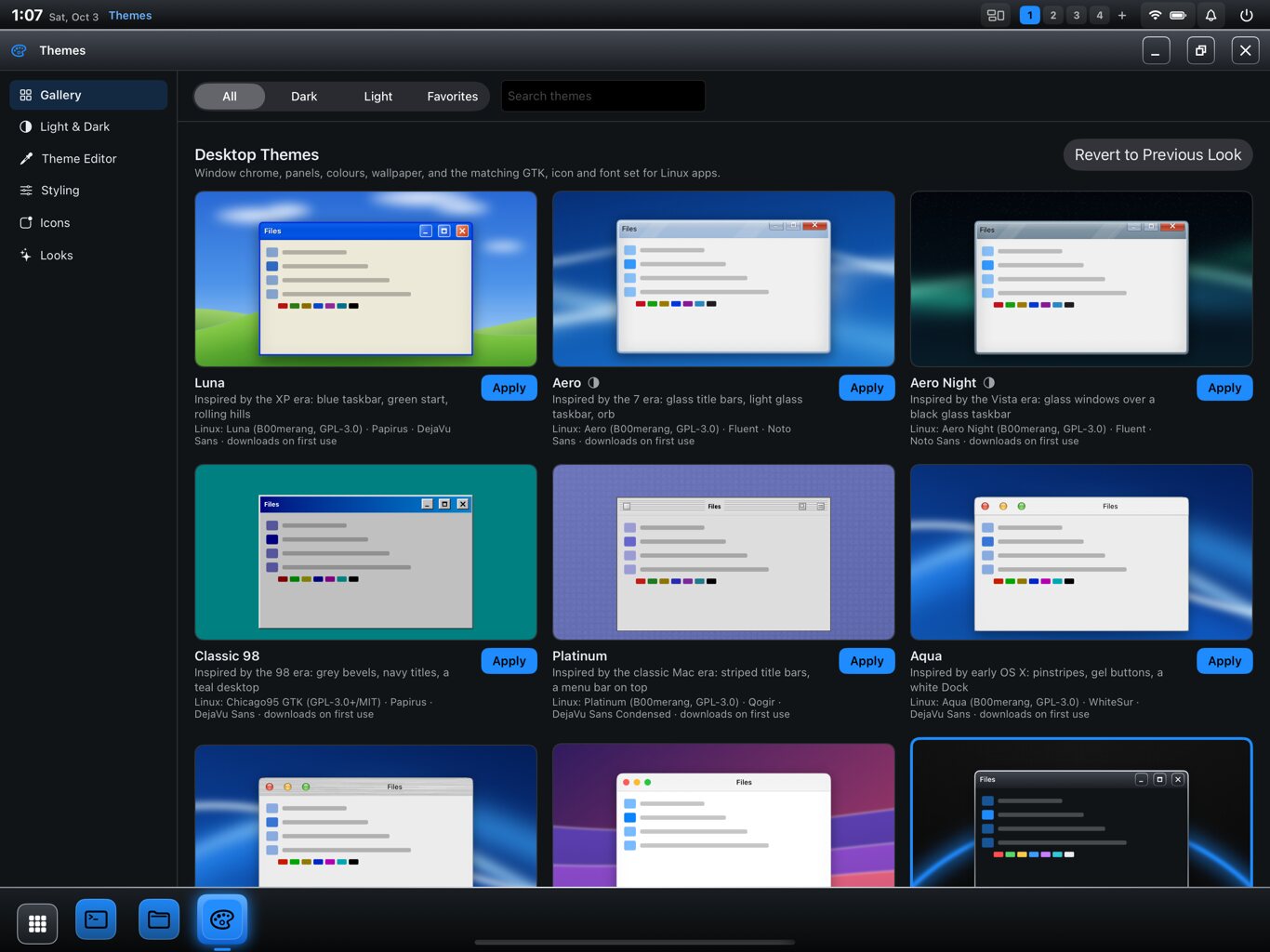
Screenshots come from development builds in the iPad simulator. Device photos and a demo video will follow.
Contact
Direct message @AmbsdOP on X. A press email address will be added here.